
Approvals and inspector
Stay in control when agents ask questions, request access, or perform risky work.
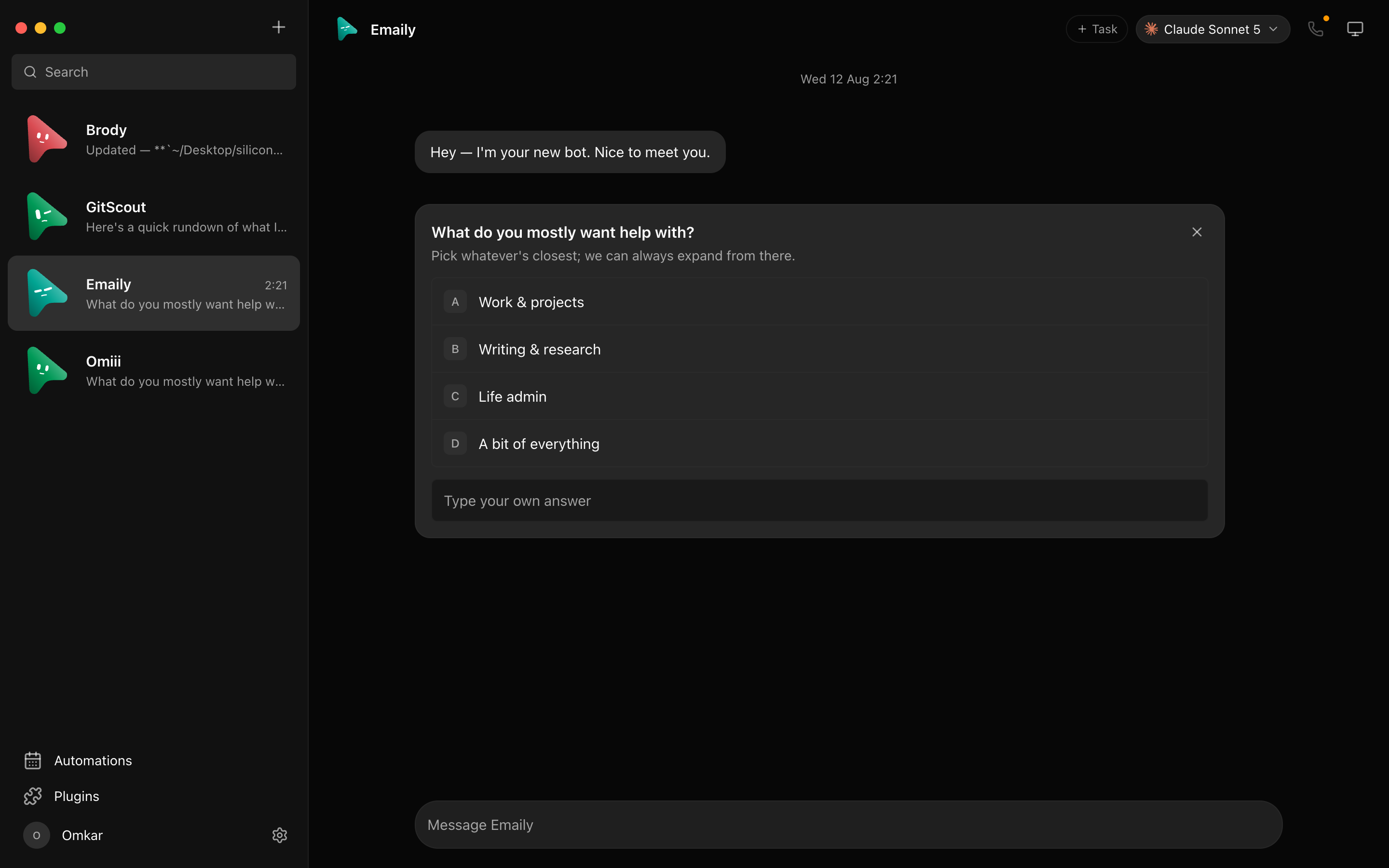
Dash Bot renders structured agent events as native conversation cards. Questions, choices, permission requests, tool activity, and failures remain attached to the task that produced them.
Approval cards
When an engine supports approvals, Dash Bot surfaces the request instead of hiding it in terminal output. Read the requested action and scope before approving it. Denying an action sends control back to the agent so it can choose a safer path.
Inspector
Use Inspector when you need more detail than the conversation provides. It is useful for following tool calls, reconnect attempts, engine output, and long-running work.
When a run disconnects
Dash Bot retries transient streaming failures. If retries end in an authentication or configuration error, fix the underlying engine rather than repeatedly retrying the task. See Agent engine troubleshooting.